
Quishing: The Latest Phishing Threat Hiding in Plain Sight
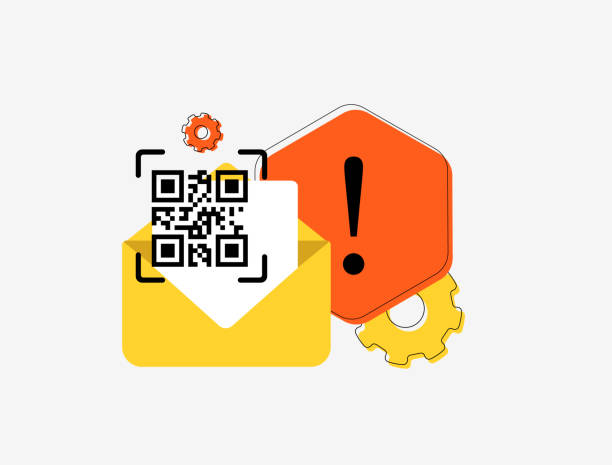
Don’t Get Scammed by a Square: How Fake QR Codes Are the New Frontier of Phishing
In the ever-evolving world of cyber threats, attackers have found yet another way to trick users into handing over sensitive data—and this time, it's hidden in something we scan without thinking: QR codes.
Welcome to the era of Quishing, a clever mash-up of "QR" and "phishing" that puts a dangerous new twist on an old threat.
What Is Quishing?
Quishing is a phishing attack that uses fake or malicious QR codes to trick people into visiting fraudulent websites, downloading malware, or handing over confidential information.
Instead of a suspicious link in an email, Quishing delivers a neat little QR code that seems harmless or helpful. But once scanned, the code can:
- Redirect you to a fake login page to steal credentials
- Download malware onto your device
- Initiate payment requests or fake invoices
- Trick you into approving permissions on a malicious app or platform
Why Quishing Is on the Rise
🔹 QR Codes Are Everywhere: From restaurant menus to event tickets, package tracking, and even utility bills, we’re trained to trust and scan QR codes without thinking twice.
🔹 Email Filters Miss Them: Because QR codes are images, traditional phishing filters that scan for suspicious URLs often don’t detect them.
🔹 Smartphones Are the Weak Link: Most people scan QR codes using their personal phones—devices that often lack the security controls found on corporate systems.
Common Quishing Scenarios
- Fake Office 365 Login: You receive an email asking you to confirm a business account by scanning a QR code. It leads to a fake Microsoft login page designed to steal your credentials.
- Parking Payment Scams: Stickers with fraudulent QR codes are placed on public parking meters, directing users to phishing websites to “pay” for parking.
- Package Delivery Traps: A QR code on a fake delivery notice asks you to confirm your address or pay a small fee—leading you straight into a phishing funnel.
How to Protect Yourself and Your Business
✅ Verify the Source: If you get a QR code via email or text, especially from an unexpected sender, be cautious. Don’t scan without verifying its legitimacy.
✅ Use a QR Code Scanner with URL Preview: Some scanning apps can show the URL before opening it. Always check the link before proceeding.
✅ Educate Your Team: Train employees to recognize the risks of QR codes, especially in phishing emails, flyers, and even printed materials.
✅ Implement Mobile Device Security: Ensure mobile devices used for work have endpoint protection and phishing detection tools installed.
✅ Disable Auto-Open in QR Scanners: Many apps automatically open scanned URLs—this feature should be disabled if possible.
Final Thoughts
Phishing tactics are getting smarter—and sneakier. Quishing is a perfect example of how cybercriminals adapt to our behaviors and trends. At Jackson Technologies, we stay one step ahead by keeping our clients informed, protected, and prepared.
Want to know how secure your team is against threats like Quishing? Let’s talk.
Book a FREE 1-on-1 Cybersecurity Strategy Session with Paul Jackson today.
Take action with Jackson—your cybersecurity satisfaction!