
Why Backup Systems Fail During Cyberattacks
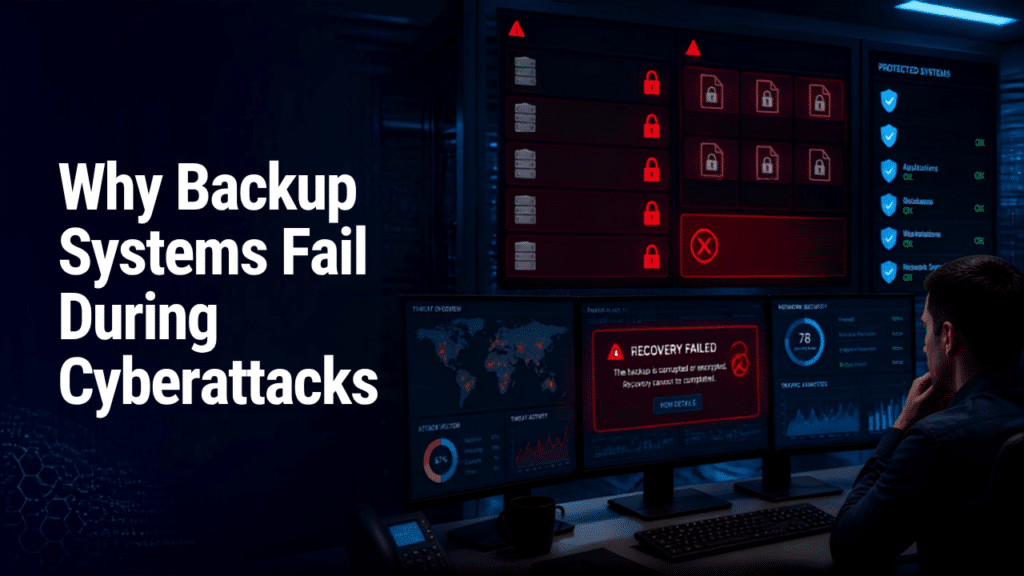
Many businesses believe they're protected because they have backups.
Unfortunately, having backups and having recoverable backups are two very different things.
During a ransomware attack or major cybersecurity incident, companies often discover that their backup systems don't work as expected. Files are corrupted, backups are encrypted, or recovery takes far longer than planned.
Understanding why backup systems fail is the first step toward building true cyber resilience.
Common Reasons Backup Systems Fail
- Backups Are Connected to the Same Network
One of the biggest mistakes businesses make is storing backups on systems that remain connected to the production network.
Modern ransomware doesn't just encrypt live files—it actively searches for:
- Backup servers
- Network-attached storage (NAS)
- Shared drives
- Backup software
If attackers can access your backups, they can encrypt or delete them before demanding payment.
- Backup Jobs Fail Without Anyone Knowing
Automated backups aren't always successful.
Storage fills up.
Permissions change.
Network interruptions occur.
Software errors happen.
Without regular monitoring, businesses may believe they're protected when backups haven't completed successfully for weeks—or even months.
- No One Tests the Recovery Process
Backing up data is only half the equation.
The real question is:
Can you restore it quickly?
Many organizations never perform disaster recovery testing until an emergency occurs.
That's often when they discover:
- Missing files
- Corrupted backups
- Incomplete databases
- Extremely slow recovery times
- Backups Don't Cover Everything
Businesses frequently assume all systems are being backed up.
In reality, important assets are often overlooked, including:
- Cloud applications
- Employee laptops
- Virtual machines
- SaaS platforms
- Configuration files
- Security settings
Even if files are recovered, rebuilding these missing components can take days or weeks.
- Backup Data Isn't Protected
Backup files themselves need security.
Without encryption and strict access controls, attackers—or even insiders—may be able to:
- Delete backups
- Modify data
- Steal sensitive information
Secure backups should be treated with the same level of protection as production systems.
Building a Strong Backup Strategy
A resilient backup strategy should include:
- The 3-2-1 backup approach (multiple copies on different media with one copy stored offsite or offline)
- Immutable or tamper-resistant backups
- Regular backup monitoring
- Routine recovery testing
- Encrypted backup storage
- Role-based access controls
- Continuous security monitoring
How IT Security Audits Help
A comprehensive IT Security Audit evaluates whether your backup and recovery strategy will actually work during a cyberattack.
An audit can identify:
- Backup configuration issues
- Missing systems
- Recovery weaknesses
- Storage vulnerabilities
- Ransomware exposure
- Disaster recovery gaps
Finding these issues before an attack can save your business from extended downtime and costly data loss.
Final Thoughts
Backups are one of the most important components of any cybersecurity strategy—but only if they work when you need them.
Don't wait until a ransomware attack reveals hidden weaknesses in your recovery plan.
Regular testing, proper security controls, and ongoing assessments help ensure your business can recover quickly and confidently.
Be Ready Before Disaster Strikes with Jackson Technologies
A backup system is only as good as its ability to restore your business when it matters most.
Jackson Technologies provides IT Security Audits that assess your backup, disaster recovery, and overall cybersecurity readiness. We'll help you identify gaps, improve resilience, and ensure your business is prepared for the unexpected.
Contact Jackson Technologies today to schedule your IT Security Audit and protect your business from costly downtime.