
The Cybersecurity Checklist Every Business Owner Should Follow
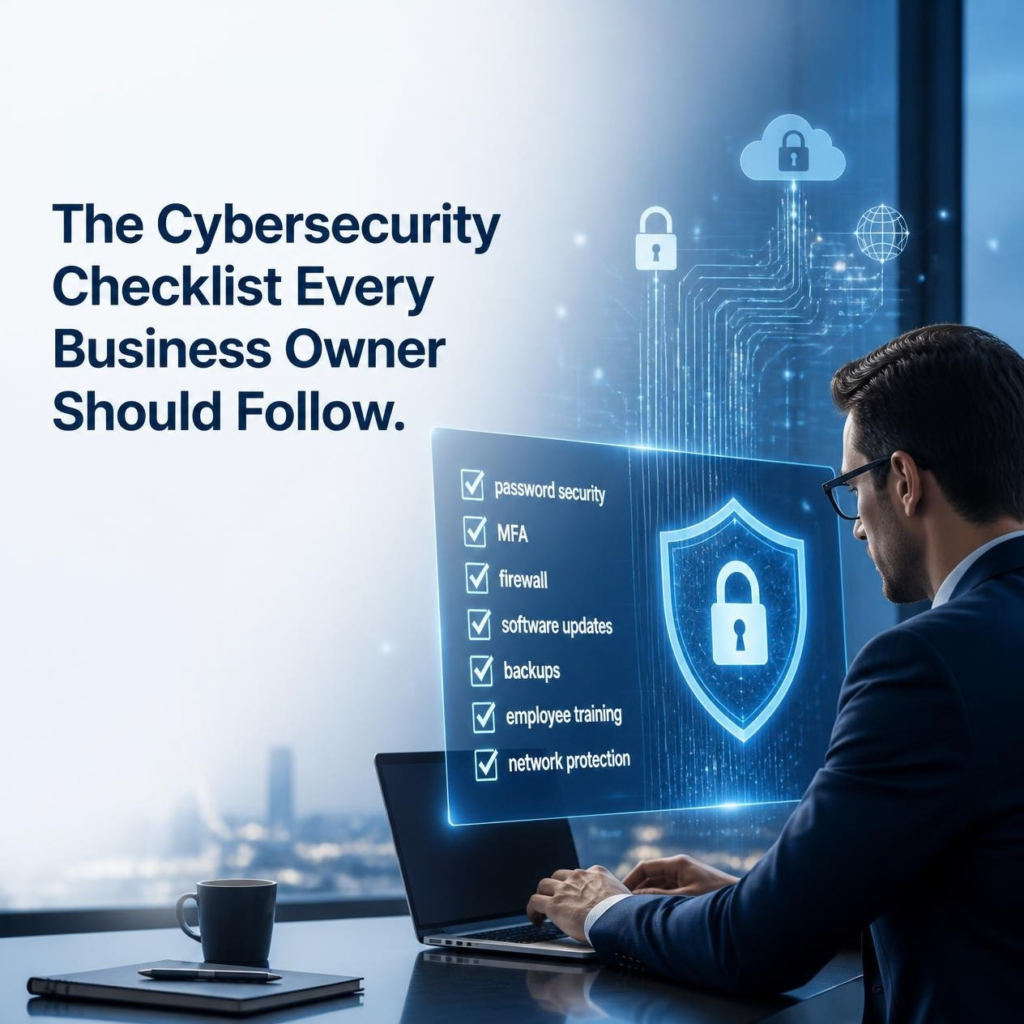
Cybersecurity can sometimes feel overwhelming.
There are firewalls, antivirus software, MFA, backups, cloud security, employee training, password policies, vulnerability scans, and countless other recommendations.
But protecting your business starts with getting the basics right.
Whether you operate an office, warehouse, healthcare business, professional services company, or another small-to-mid-sized organization, this cybersecurity checklist can help you identify the most important areas to review.
- Use Strong, Unique Passwords
Weak or reused passwords can make it easier for attackers to gain access to business accounts.
Make sure employees use strong, unique passwords for business systems.
Whenever possible:
- Avoid password reuse
- Use long passwords or passphrases
- Don't share passwords
- Use a reputable password manager
- Change compromised passwords immediately
Your email, cloud storage, financial accounts, and administrative systems deserve particularly strong protection.
- Enable Multi-Factor Authentication
A password alone shouldn't be the only thing protecting important accounts.
Multi-factor authentication (MFA) adds another verification step, making it more difficult for attackers to access an account even if they obtain the password.
Enable MFA for critical services such as:
- Microsoft 365 or Google Workspace
- VPN
- Cloud applications
- Banking and financial systems
- Administrative accounts
If MFA is available, use it.
- Keep Software and Devices Updated
Cybercriminals frequently take advantage of known vulnerabilities in outdated software.
Make sure computers, servers, network equipment, applications, and operating systems receive security updates regularly.
Don't forget about devices that employees may not think of as "IT equipment," including:
- Printers
- Wi-Fi equipment
- Security systems
- Mobile devices
- Remote-work equipment
An outdated device can become an entry point into your network.
- Protect Your Network
Your network is the foundation connecting your business systems and devices.
At a minimum, review:
- Firewall configuration
- Wi-Fi security
- Guest networks
- Remote access
- VPN configuration
- Network segmentation
- Router and switch security
Avoid assuming that your network is secure simply because it has a firewall.
Configurations should be reviewed regularly to ensure they still match your business needs.
- Secure Employee Devices
Every laptop, desktop, and mobile device connected to your business environment can potentially introduce risk.
Make sure devices have appropriate security protections such as:
- Endpoint protection
- Automatic updates
- Disk encryption where appropriate
- Screen locks
- Secure configurations
- Remote management
- Regular monitoring
Don't forget about employees working remotely.
- Review Who Has Access to What
Employees don't necessarily need access to everything.
Use the principle of least privilege: users should have only the access necessary to perform their jobs.
Review:
- Employee accounts
- Administrator accounts
- Shared accounts
- Former employee accounts
- Third-party access
- File and folder permissions
- Cloud application permissions
When someone leaves the company, their access should be removed promptly.
- Back Up Your Important Data
Backups are one of your most important defenses against ransomware, hardware failure, accidental deletion, and other disasters.
Identify your critical business data and make sure it is backed up regularly.
But don't stop at creating backups.
Test them.
A backup that cannot be restored when you need it isn't much of a backup.
Your backup strategy should also consider whether backups could be compromised or encrypted during a cyberattack.
- Train Your Employees
Your employees are an important part of your cybersecurity strategy.
Provide regular training on:
- Phishing emails
- Suspicious links
- Social engineering
- Password security
- MFA
- Safe file sharing
- Reporting suspicious activity
Employees shouldn't be afraid to report mistakes.
The sooner a suspicious email, compromised account, or accidental data exposure is reported, the sooner your business can respond.
- Have an Incident Response Plan
What would you do if your company was hit by ransomware tomorrow morning?
If the answer is "we're not sure," you need an incident response plan.
Your plan should identify:
- Who is responsible for responding?
- Who should employees contact?
- Which systems should be isolated?
- How will backups be accessed?
- Who handles customer communication?
- Which outside IT or cybersecurity resources should be contacted?
- How will operations continue during downtime?
Planning before an incident is much easier than trying to create a plan during one.
- Review Your Cybersecurity Regularly
Cybersecurity isn't a "set it and forget it" task.
Your business changes over time.
You may:
- Hire new employees
- Add new software
- Move systems to the cloud
- Open another location
- Add remote workers
- Replace network equipment
- Change vendors
- Store new types of sensitive information
Every change can introduce new security considerations.
Regular reviews and IT security audits can help make sure your defenses keep up with your business.
Bonus: A Simple Monthly Cybersecurity Check
Business owners can use this quick checklist every month:
☐ Review unusual login activity
☐ Remove inactive user accounts
☐ Check for missing software updates
☐ Confirm backups are running
☐ Test backups regularly
☐ Review administrator accounts
☐ Check security alerts
☐ Verify MFA is enabled on critical accounts
☐ Remind employees about phishing
☐ Review new devices and applications
☐ Check that former employees no longer have access
These simple steps can help you stay proactive rather than waiting for a security incident to force your attention.
Don't Know Where Your Business Stands?
A checklist is a great starting point—but it doesn't replace a professional assessment.
An IT security audit can provide a deeper look at your network, devices, accounts, policies, backups, and other security controls.
At Jackson Technologies, we help businesses identify vulnerabilities and understand what they can do to improve their cybersecurity.
Start With a FREE IT Security Audit
Don't wait until a cyberattack exposes a weakness you could have fixed earlier.