
How Outdated Software Creates Major Security Vulnerabilities
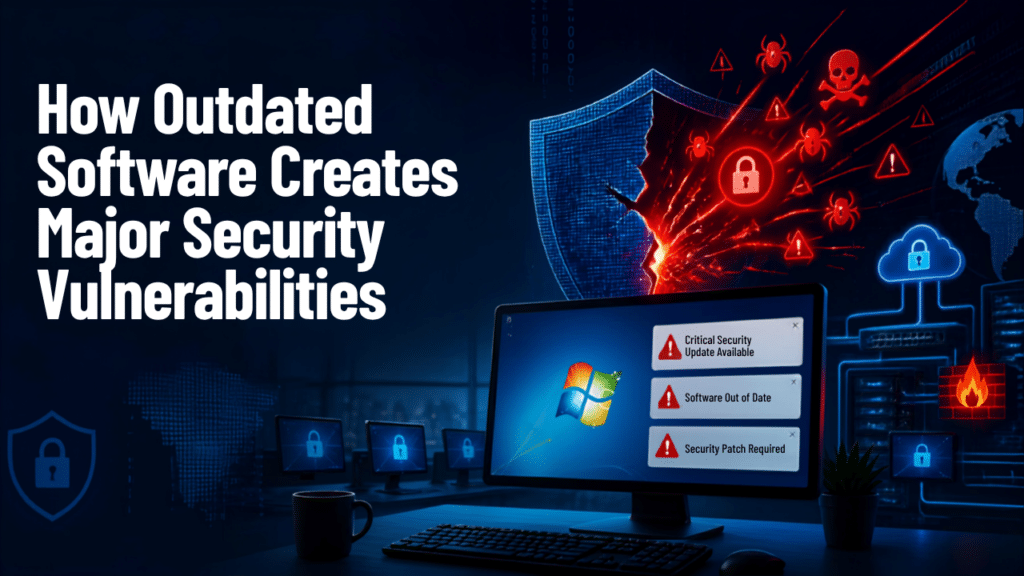
Keeping software updated may seem like a routine maintenance task, but delaying updates can leave your business exposed to serious cyber threats.
Outdated operating systems, applications, and firmware are among the most common entry points for cybercriminals. Every missed update increases the chances of a successful attack.
Why Software Updates Matter
Software vendors continuously release updates to:
- Fix security vulnerabilities
- Correct software bugs
- Improve system performance
- Add new features
- Maintain compliance with industry standards
When updates are ignored, known security flaws remain open for attackers to exploit.
What Cybercriminals Look For
Hackers actively scan the internet for systems running outdated software.
Once they identify vulnerable systems, they may:
- Install ransomware
- Steal sensitive business data
- Deploy malware
- Gain unauthorized network access
- Take control of servers or workstations
Many attacks are fully automated, meaning businesses can become targets simply because they haven't installed available security patches.
Commonly Overlooked Software
Many organizations focus on Windows updates but overlook other critical software.
These include:
- Web browsers
- Microsoft Office applications
- Adobe products
- Network firewalls
- Routers and switches
- Wi-Fi access points
- Printers
- Backup software
- Virtualization platforms
- Mobile devices
Every connected device requires regular maintenance.
The Risks of Unsupported Software
Eventually, vendors stop supporting older software versions.
Without security updates:
- Newly discovered vulnerabilities remain permanently unpatched.
- Compatibility issues increase.
- Compliance requirements may no longer be met.
- Technical support becomes unavailable.
Examples include older versions of Windows that no longer receive security updates.
The Business Cost
Failing to update software can result in:
- Expensive ransomware attacks
- Business interruptions
- Data loss
- Compliance violations
- Reputation damage
- Increased recovery costs
Preventive maintenance is significantly less expensive than responding to a cybersecurity incident.
Best Practices for Software Management
Businesses should:
- Enable automatic updates whenever possible.
- Maintain an inventory of all software and hardware.
- Replace unsupported operating systems.
- Regularly update firmware on network devices.
- Test updates before large deployments.
- Schedule periodic vulnerability assessments.
- Conduct annual IT security audits.
Proactive maintenance dramatically reduces cyber risk.
Why an IT Security Audit Is Essential
Many businesses aren't aware of how many outdated applications exist across their network.
An IT security audit identifies:
- Unsupported software
- Missing security patches
- Vulnerable devices
- Configuration weaknesses
- Compliance issues
- Opportunities to improve patch management
Addressing these issues early helps prevent future attacks.
Final Thoughts
Outdated software isn't just an inconvenience—it's one of the easiest ways for cybercriminals to gain access to your business.
Regular updates, proactive maintenance, and routine IT security audits can dramatically improve your organization's cybersecurity posture.
Keep Your Business Secure with Jackson Technologies
Jackson Technologies helps businesses identify outdated software, missing security patches, and hidden vulnerabilities before they become costly problems.
Schedule your FREE IT Security Audit today and let our experts help keep your systems secure, compliant, and up to date.