
The Dangers of Unmanaged Devices in the Workplace
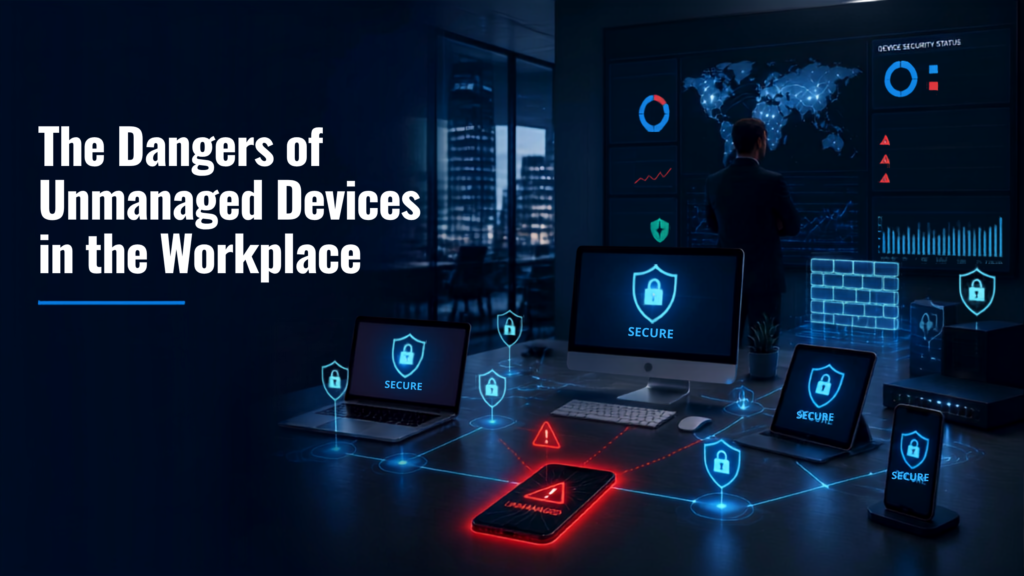
In today's connected workplace, employees rely on a variety of devices to stay productive. Laptops, smartphones, tablets, and even personal devices are commonly used to access company data. While this flexibility improves efficiency, it also creates a significant cybersecurity risk when those devices are left unmanaged.
Many businesses focus on protecting their servers and office networks but overlook the devices employees use every day. Unfortunately, cybercriminals know this—and they actively target these weak points.
What Are Unmanaged Devices?
An unmanaged device is any device that connects to your business network but isn't monitored or controlled by your IT department. Examples include:
- Personal laptops used for remote work
- Employee smartphones
- Tablets used in the field
- Contractor or vendor devices
- Unauthorized USB storage devices
Without proper security controls, these devices become easy entry points for cyberattacks.
Why They're So Dangerous
- Missing Security Updates
Devices that aren't centrally managed often miss important operating system and software updates. These updates frequently contain security patches that close vulnerabilities hackers exploit.
One outdated laptop could expose your entire network.
- Weak Passwords and No Multi-Factor Authentication
Employees using personal devices may reuse passwords or disable security features for convenience.
Without strong authentication, stolen credentials can quickly lead to unauthorized access.
- Malware Can Spread Across Your Network
If an unmanaged device becomes infected through phishing emails or malicious downloads, malware can spread throughout your organization once the device connects to your network.
This can result in:
- Ransomware infections
- Data theft
- Business downtime
- Compliance violations
- Sensitive Data Leaves Your Control
Employees often save company files locally on unmanaged devices.
If the device is:
- Lost
- Stolen
- Damaged
- Sold without being wiped
your confidential business information could fall into the wrong hands.
- Shadow IT Creates Blind Spots
Employees sometimes install unauthorized applications or cloud storage services without IT approval.
These "shadow IT" solutions create security gaps because IT teams cannot monitor or protect them effectively.
How Businesses Can Reduce the Risk
Protecting your business starts with gaining visibility into every device accessing your network.
Best practices include:
- Implementing Mobile Device Management (MDM)
- Enforcing strong password policies
- Requiring Multi-Factor Authentication (MFA)
- Automatically applying security updates
- Restricting unauthorized devices
- Monitoring endpoint activity
- Conducting regular IT security audits
Why IT Security Audits Matter
Many businesses don't realize unmanaged devices are connected to their networks until after an incident occurs.
An IT Security Audit helps identify:
- Unknown devices
- Outdated operating systems
- Weak access controls
- Missing endpoint protection
- Policy violations
Finding these issues early can prevent costly cyber incidents.
Final Thoughts
Every unmanaged device represents another opportunity for attackers. As hybrid work and remote access continue to grow, businesses need complete visibility into every endpoint connected to their network.
Taking proactive steps today can prevent expensive security incidents tomorrow.
Protect Every Device with Jackson Technologies
Not sure how many unmanaged devices are connected to your network?
Jackson Technologies can help identify hidden security risks through a comprehensive IT Security Audit. We'll assess your environment, uncover vulnerabilities, and recommend practical solutions to keep your business secure.